OdoLog OdoLog for iPhone

The simplest way to log
odometer readings.

Snap your odometer, tap to confirm, and your mileage record is saved. OdoLog syncs to Google Sheets when you're signed in — or stores everything locally if you're not. No clutter, no fuss.

SnapPhoto entry
SheetsGoogle sync
PrivateWorks offline
Privacy Policy & Terms of Service

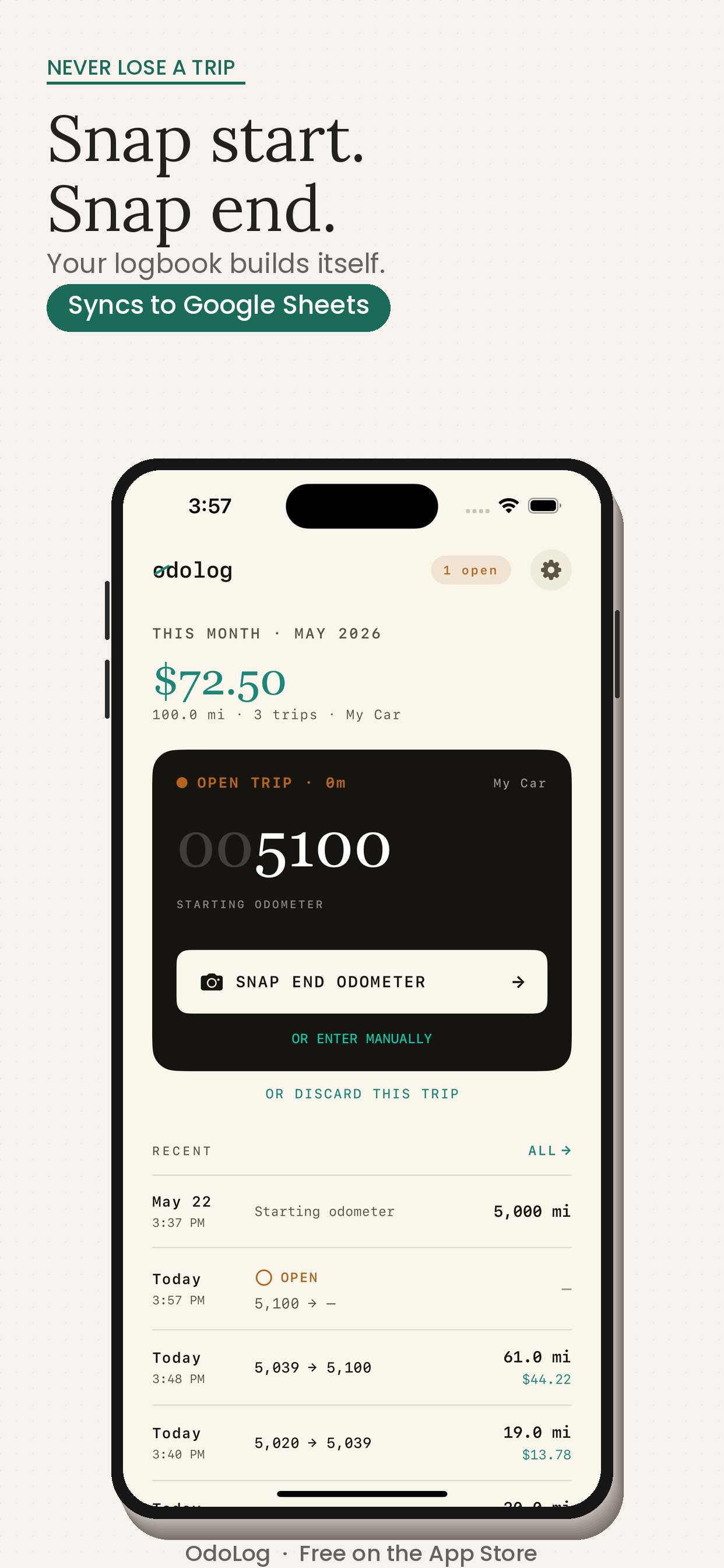
OdoLog app screenshot

Log mileage in seconds, not minutes.

Point your camera at the odometer, confirm the reading, and you're done. No typing required.

Snap to log

Photograph your odometer and OdoLog reads the number automatically.

Manual entry

Type in a reading whenever you prefer — quick and straightforward.

Google Sheets sync

Sign in with Google and every log is appended to your own spreadsheet automatically.

Works offline

No account? No problem. All logs are saved locally on your device.

Full log history

Browse all past odometer readings in a clean, scrollable list.

Mileage calculation

Automatically calculates distance driven between consecutive readings.

Snap. Confirm. Done.
Your log is saved.

01Open OdoLog and tap the camera button.
02Point at your odometer — OdoLog reads the digits.
03Confirm or edit the reading, then save.
04Log is stored locally or synced to your Google Sheet.
OdoLog

Start logging your odometer today.
Free. No account required.

Works offline, syncs to Google Sheets when you need it. Download OdoLog and simplify your mileage records.

Download OdoLog Free

Privacy Policy & Terms of Service